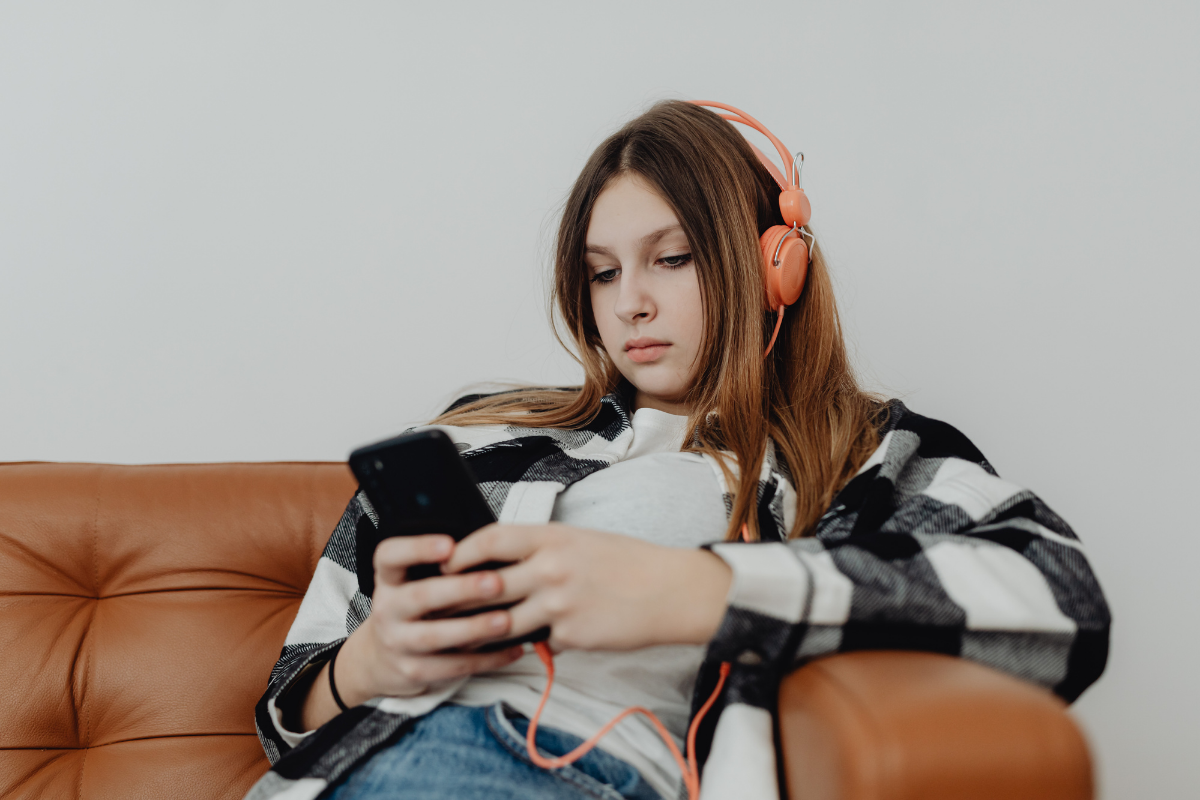
The dangers of artificial intelligence (AI) and its potential impact on children and teens are causing alarm for families. Parents are wondering how to teach kids about AI and how to recognize what’s real, what isn’t and what has harmful real-life consequences.
Ashley Coffey, principal consultant at Coffey & Consult, LLC, is a technology educator and digital literacy advocate. She says it’s more important than ever for families to have open, ongoing conversations about AI.
“You don’t need to be tech-savvy to start,” she said. “Begin by asking your kids what tools they’re using, how they’re using them and who or what they’re engaging with.”
Coffey pointed to an area of growing concern: emotionally immersive AI platforms, such as Character.ai.
“Tragically, a recent lawsuit in Florida highlights the risks,” she says. “A 14-year-old boy died by suicide after developing a romantic relationship with an AI chatbot modeled after a fictional character. The platform’s ease of access is alarming, especially when it encourages unsupervised emotional engagement with AI.”
The Importance of Digital Literacy in the Age of AI
With these types of life-altering repercussions at play, Coffey believes that digital literacy isn’t optional anymore — but essential.
“In one of my TEDx talks, I shared that digital literacy is a responsibility, not just a skill,” says Coffey. “For families, that means making it a regular part of conversation.”
Families need to ask questions and search out answers together.
- What tools are your kids using?
- How are you checking to see if something is real or AI-generated?
- What happens and what should you do when you get something wrong online?
“It’s also about modeling,” explained Coffey. “Tell your kids if you almost fell for a misleading headline or checked a fact using multiple sources. Those small disclosures teach critical thinking by example.”
Helpful Tips on How to Recognize AI-Generated Images & Video
To help families decipher what’s real or AI-generated, Coffey offered the following practical tips:
- Use reverse image search (e.g., Google Lens or TinEye) to check if an image appears elsewhere or has been manipulated.
- Look for small visual inconsistencies — distorted hands, overly smooth skin, or unnatural lighting — that are telltale signs of AI-generated visuals.
- With video or audio, check the source. If it’s unfamiliar or anonymous, it’s worth a deeper look.
- Talk openly about the difference between AI-generated content and human-created content — and why that distinction matters.
For additional guidance and information to improve one’s digital literacy, Coffey recommends GetDigitalSkills.org — a free resource with tailored tracks for students, parents and educators.
While the world of AI can feel overwhelming to both parents and kids, Coffey believes small steps taken today can build long-term digital resilience.
 Ashley Coffey is a principal consultant at Coffey & Consult, LLC, and offers additional insights and resources on digital literacy and AI safety for families at CoffeyandConsult.com.